How to Add Images to the Media Library
What is the Media Library?
A media library is a centralized repository for storing, organizing, and managing digital media files such as images, videos, audio, and documents for easy access and efficient use.
How to Add Images
- Open the HCN CMS.
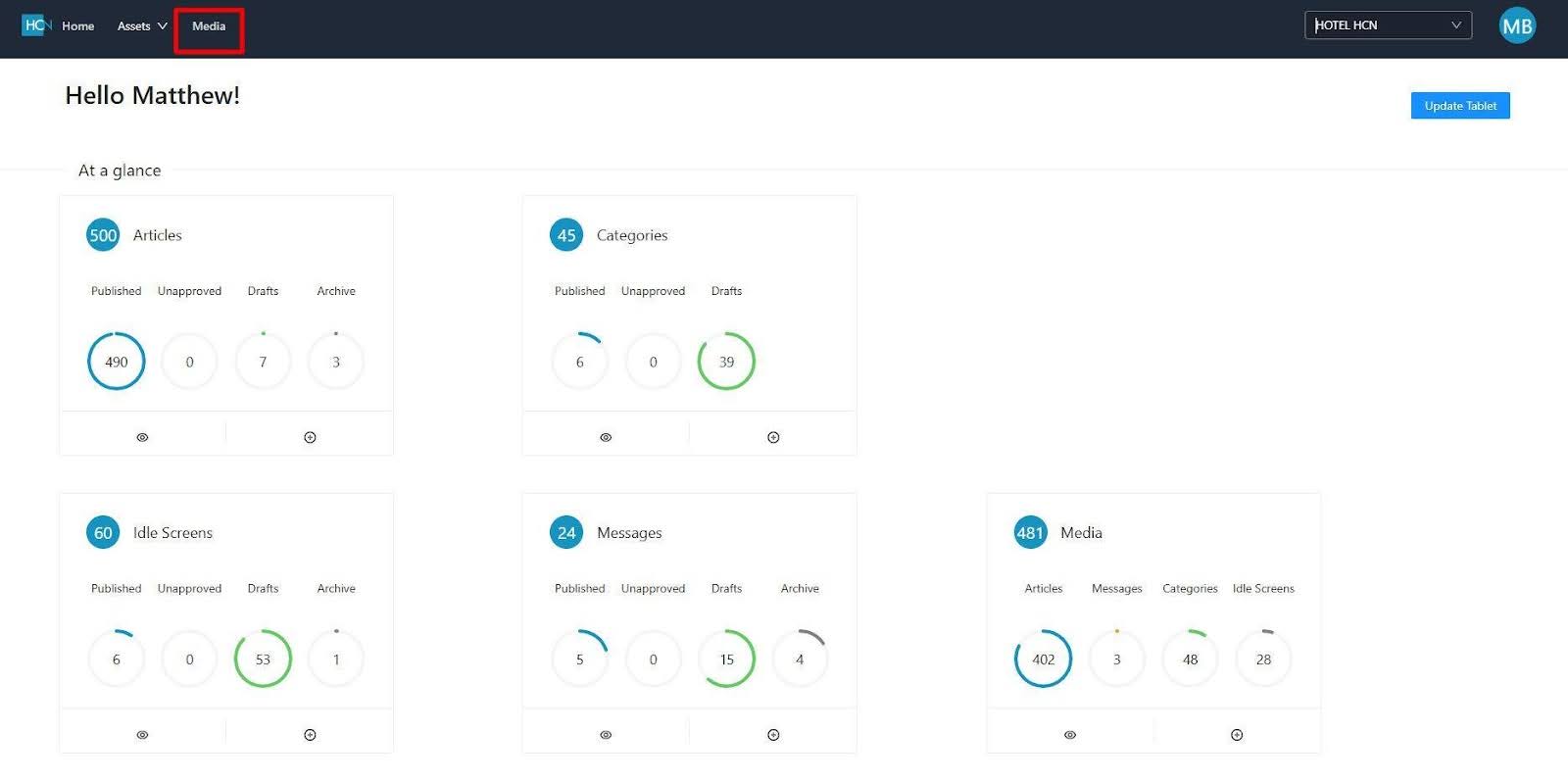
- Select the media tab from the upper right corner.
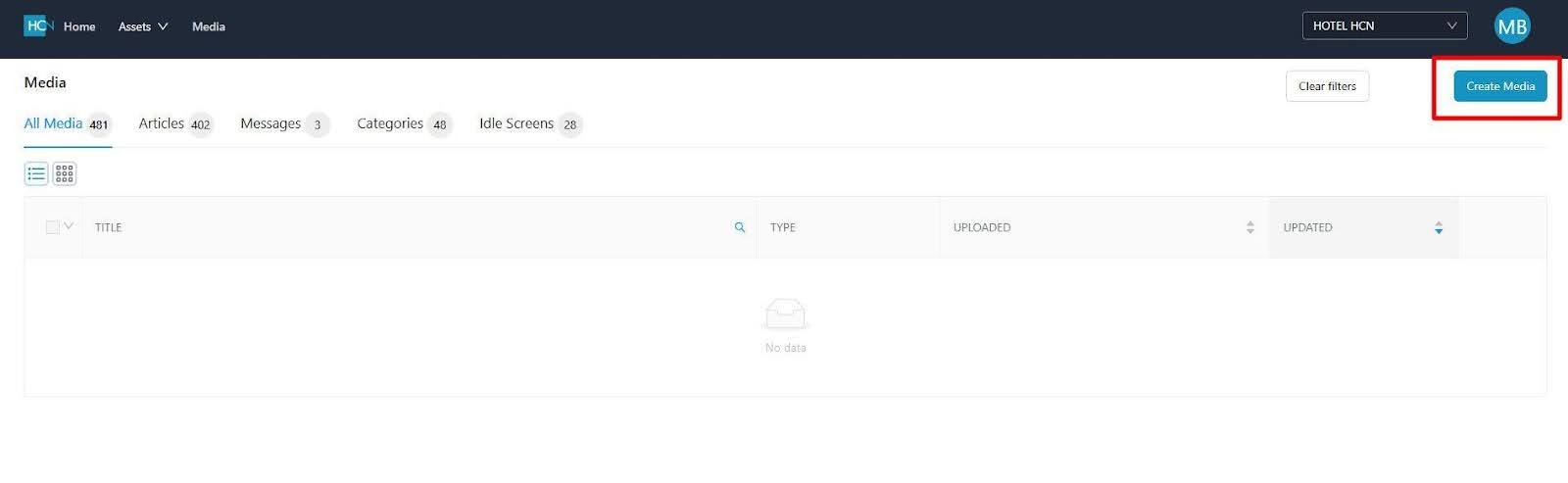
3. Click CREATE MEDIA
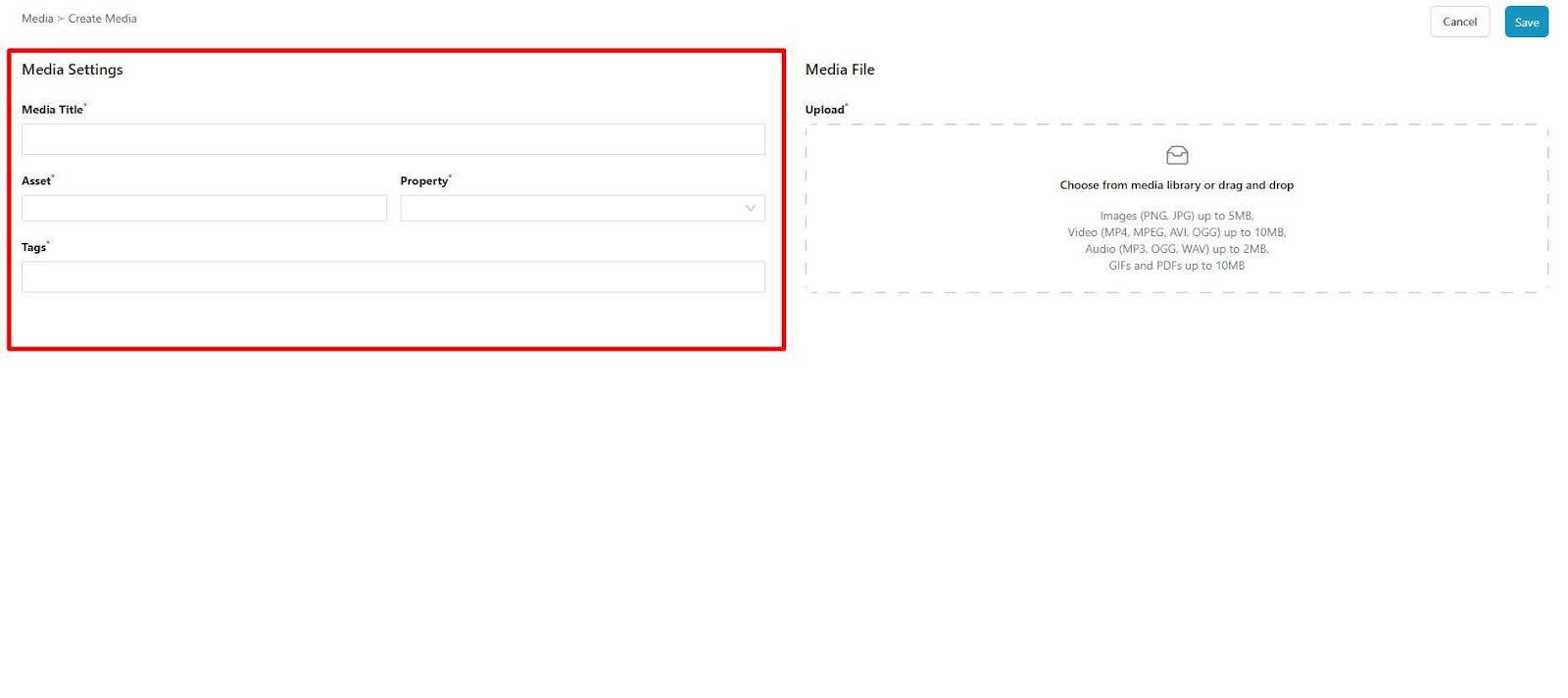
4.Fill out the necessary fields to properly categorize your content
a. Media Title
b. Asset – How the image will be used and where the file will be located for future reference. This can be either an Article Image, Message Image, Category Image or an Idle / Welcome Screen Image.
c. Property – Select the hotel where the media will be used.
d. Tags – Additional tags may be placed here to utilize a search function. For example FOOD, ROOMS, EXTERIOR.
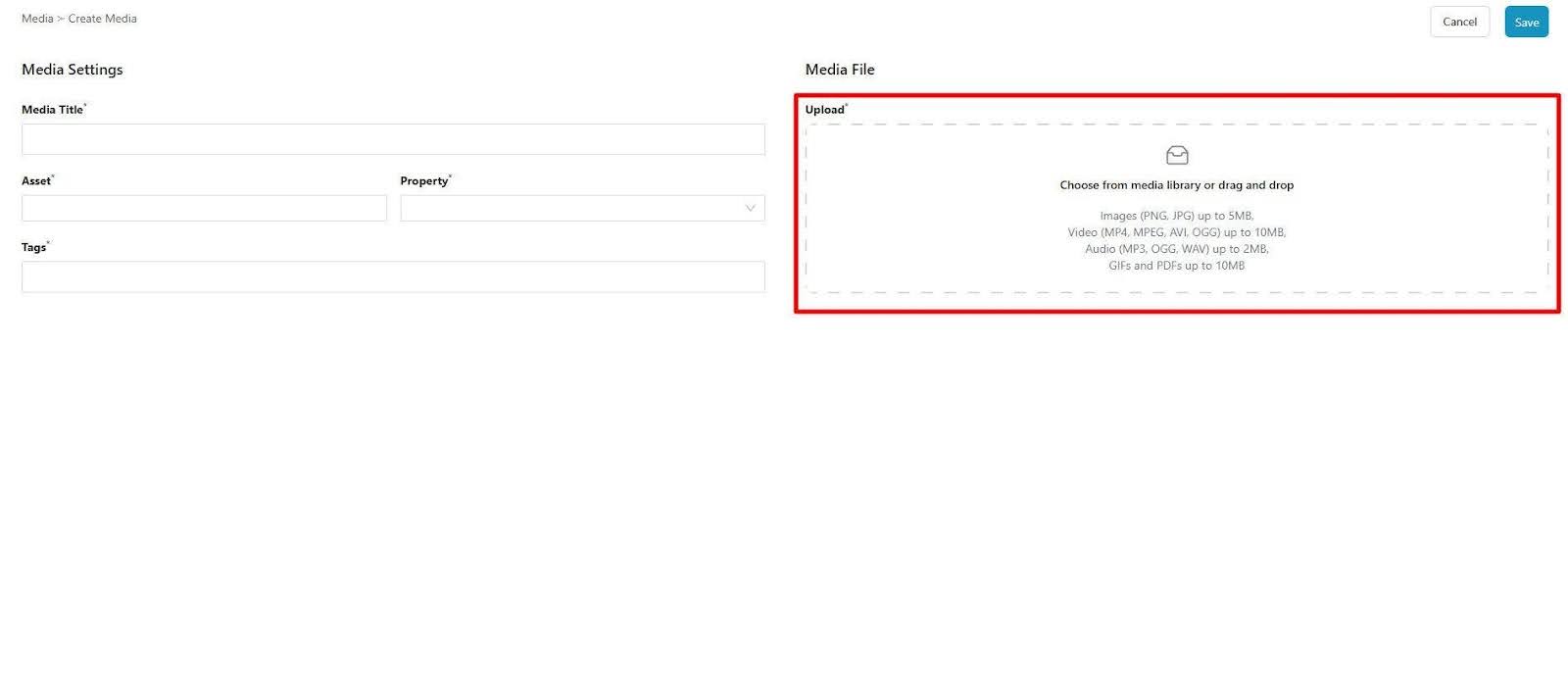
5. Click the Upload media selection window and select your desired file from your source location.
6. Click UPLOAD
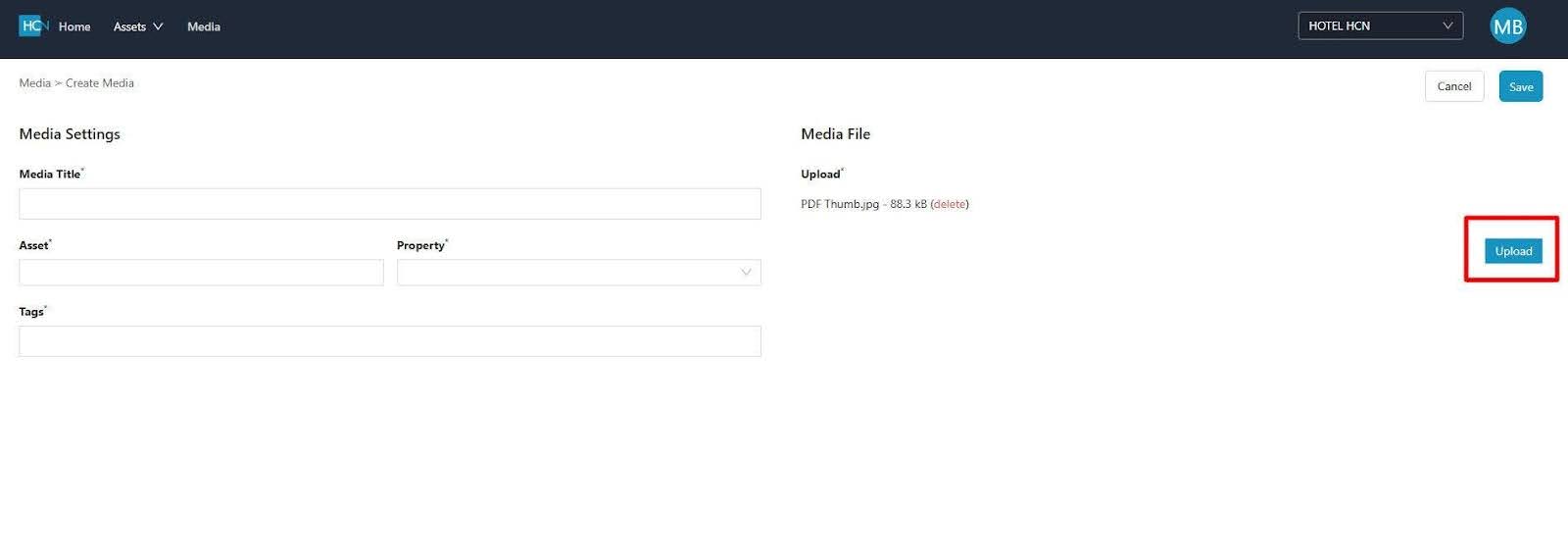
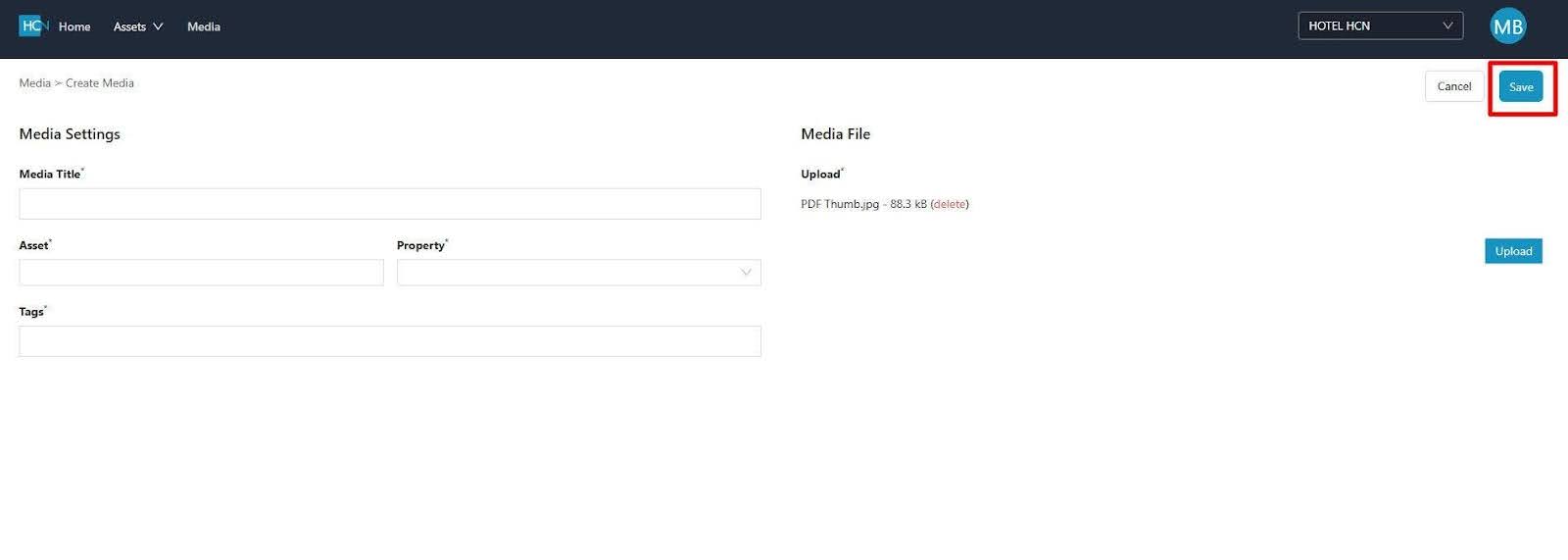
7. Click SAVE